Portfolio: The Interactive PDF; 2

Asking for feedback I realised the images were all over the place and needed the most work. However I was still not certain on the front cover and gallery page.
Screenshot 2020-06-17 at 11.00.13

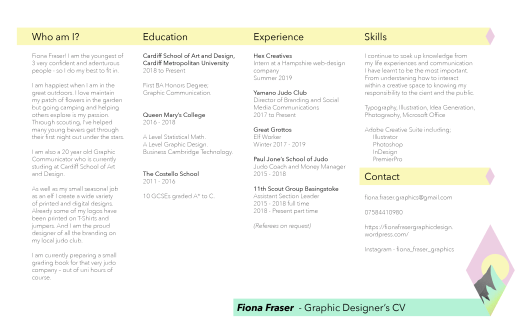
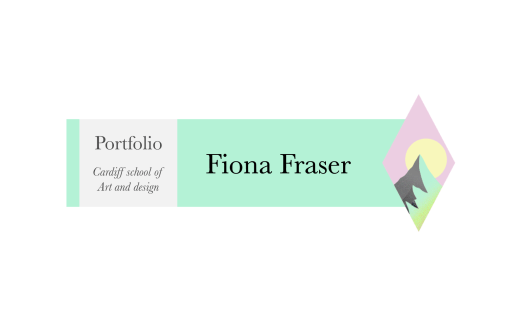
I updated the cover image to more look like an English garden with a banner image. Next I decided the gallery pages needed the images to be the main focus and pushed for the banner feel. Changing it to green and removing the pink overlays means that it links to the work pages and cover image. I updated the images to add curiosity and they better represent the projects within.

The back was a simple change to link to the first page with the logo.
Screenshot 2020-06-17 at 11.01.34

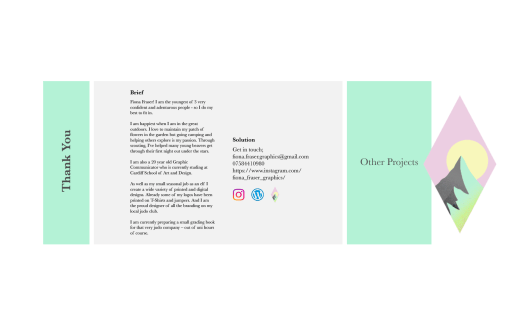
With the feedback I cut back and looked at what the images meant. I took out the images that weren’t the best. I focused onto the main point of the project. I removed the captions for if an image cant be self explained what is the point in it being there. I spread out my images so they can breath so I have given them more pages with each page having a clear set out purpose.

I am happy with this outcome and feel I have refined my portfolio throughout my pages.
Portfolio: The Interactive PDF; 1

First I wrote out the brief and solutions of each project that was a requirement then added the ones I want to show off. This gave me a platform to build and to select images from.

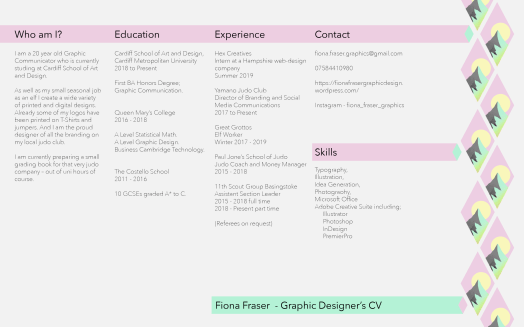
Being constant, I used the CV stying at first to be developed on later which sets the tone and gives my styling first.

Screenshot 2020-06-17 at 10.44.45

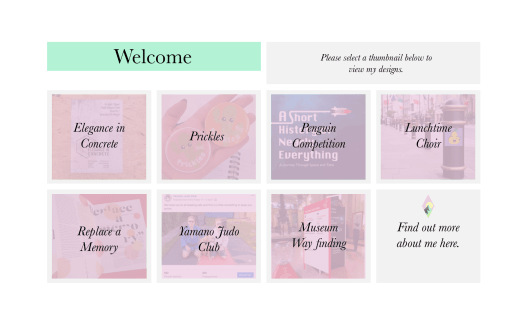
I needed a navigation so I kept it simple and added a sheen over the top of the images to make them look more cohesive.

Screenshot 2020-05-28 at 13.19.25

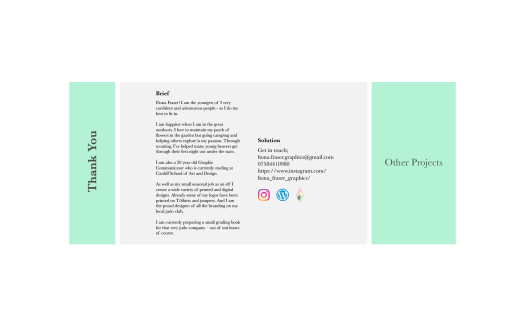
I kept the ending contact page simple and to the point in the same stylings as before.

Screenshot 2020-06-17 at 10.50.54

I decided I needed a constant through out my designs so took the bar/ column idea forward. Within this there is hierarchy and space to breath which I have struggled to manage in the past. All images are labelled and have equal spacing.


Portfolio: The Website

https://fionafrasergraphicdesign.wordpress.com/

The best way for me to explain what I have done is for you to experience it for yourself.

Watching the tutors tutorials helped a lot as I had no idea where to start or how to.

I struggled most with the main banner (left column on a desktop). I knew I wanted my logo at the top and then I added my name in different fonts. Experimenting with this my name in the design took away the simplicity of it. Taking it away looked neater and better; however I still needed my name somewhere and getting feedback they said it was needed.

I made sure there were several links to my instagram. I embedded some within a project as the project is on my instagram. I added my favourite insta images to both the contact page and about me page.

Portfolio: CV Development

Using my logo, I created a basic template. This includes all that is necessary and is very straight forward.

Screenshot 2020-05-16 at 15.29.55

Discussing this with my tutor, he immediately said you want the words to speak – don’t let the image get in the way. I needed to experiment with the image for the best result. Also looking into the paragraphs he said I need to add onto who I am as a person.

Screenshot 2020-05-16 at 15.30.31Screenshot 2020-05-16 at 15.30.41


Portfolio: My Style

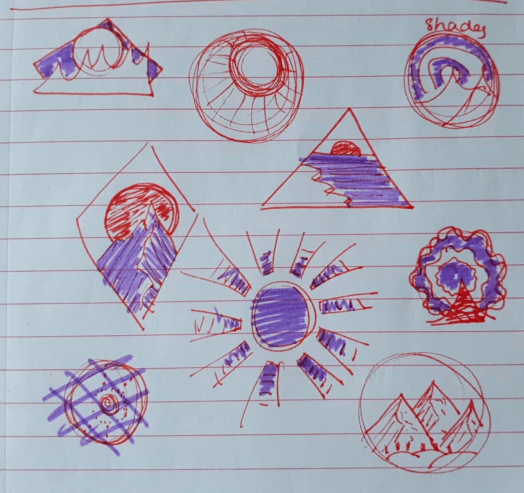
My last portfolio, although was cohesive, it didn’t have a brand. At this point I have yet to created a logo to show off who I am. With the 100 ideas being over 100 miles away from me, I decided to recreate some and add new thoughts and experiments. From what I remember my 100 designs were not the best and I mainly only used my name in different orientations. But what I want to do is have a symbol that can be used and used again.

As I like the outdoors and camping, I went with a sunrise (or set) I draw several and these were my favourite.

Screenshot 2020-05-16 at 15.32.21

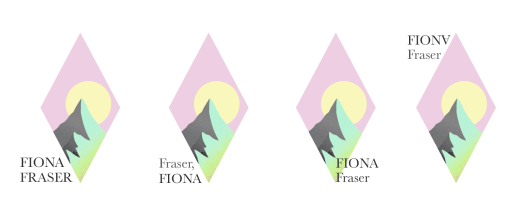
I digitalised my favourite 2 and then developed from there.

I started to play around with colour, texture and spacing.

Asking family and other students they felt this design worked the best. Asking a tutor what they thought, they felt that the type needed work and a hierarchy system. I am still not sold on the type at the minute but plan to try more variations. Or just remove it all together.

Screenshot 2020-05-19 at 12.51.39

100 Ideas

Tuesday 24th September – 100 designs

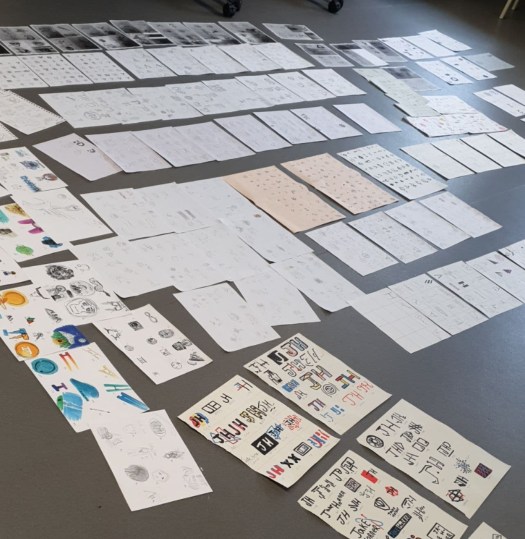
The brief is to create 100 designs in a week. This is simple yet time consuming and will need a lot of brain power. When creating these designs I knew I would not manage within one sitting so I started with a plan to create 25 in each sitting. Once completed the first 25 I found it hard to get back into the rhythm of the designs. Thus the ideas were not the best or excited well enough.

With my 100 designs I was confident with a few of the designs, but looking at a few others I know they thought about the layout a lot more.

Discussing and placing marks next to our favourite the designs we noticed that bolder more bright designs stood out. This meant that the designs in pens and colours and overall bigger had more of an impact when looking at the whole class.

If I were to do this again I would create some more digitally as well as having some hand drawn elements.

71293330_472013136719705_7150651936843235328_n

Portfolio Final Tutorial

Monday 3rd June – Sign Up Discussion + Independent study

With my final piece I just wanted to check with the tutors to see what I could think about and improve upon. The tutor was happy with my overall design but I just needed to look at the finer details which I had not noticed before.

Screenshot 2019-06-05 at 17.17.39

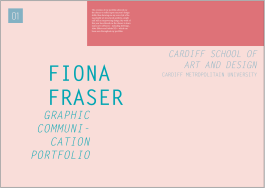
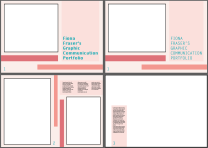
The first page he said the title seemed a little unprofessional being “Fiona Fraser’s Graphic Communication Portfolio.” Meaning that in the commercial world companies might think I’m unexperienced or simply doesn’t look through the rest of my work.

We also spoke about how the first page was a little simple and didn’t showcase myself with my work. I was unsure what work to place in as all my work has been so different.

Going through my work he pointed out the gaps between each part such as the type next to the work and how everything should be lined up. This gives the appearance that all the work has a purpose to it which has been thought out for effect.

Screenshot 2019-06-05 at 16.37.49

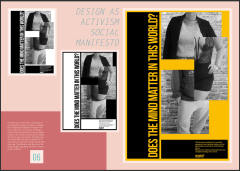
One comment that has made me think is the fact that I like the words cut and hyphenated. Looking further we noticed that some of my work was similar with the imagery in Design as Activism and the one model in different clothing. On top of this the tutor said that a lot of what I do is a little off the normal path which can be seen as a good thing when perfected. 

Discussing this further I realised that this could become my style with cut off elements, slanted text all placed in a precise place for impact. Thinking about this concept the app I created was mocking the mainstream so it was pushed away from the ‘normal’. To embrace this further I decided to make all of the headings slanted and I added in a few more hyphens to be a style choice not just a happy accident.

Lastly we discussed the final page and what impression that would have upon the viewer. My end page is very technical with the app having the links but is that the last impression I want to give them? Looking back over my work I decided not to change the last slide but add another about the app, showing off the humour and joy of the app.

Portfolio First Improvements

Monday 20th May – Independent Study

Screenshot 2019-06-04 at 14.33.30Moving on from my first mock up I retrieved all my work so far and placed them in order, being the best at the start and end with a few others in the middle.Screenshot 2019-06-05 at 16.47.05
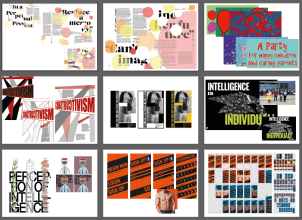
Using InDesign I developed a simple aesthetic using only 4 colours that are not over powering. My first thought was to have the paragraphs over the top of the work however I needed that work to be the main focus as future agencies are most likely not read the text, meaning that the design should be clear and straight to the point of my work.

For my work I also had to create work that could be seen in context such as the app. this resulted me searching for a non-copy righted photo for the app to fit into. I also printed the editorial work and photographed it in the photography studio (which we were shown a few weeks prior). This makes the portfolio more commercial and professional.

CLICK ME – 1st mock up of portfolio


Portfolio Initial Feedback

Monday 20th May – Portfolio Speed Surgery

I spoke with a tutor that had not seen any of my work previously so had to explain the style. I found this incredibly difficult as all my work has been so different though out the year. Luckily some of the group had seen some of my pieces and they describes my work as playful, structured and modern. This was a new idea to me with my work being two opposing styles – having a childlike free flowing story leading the eye in a playful manor but still having structure and a mature presence with the placement. The layouts so far have not been showing it off as well as it could have, so moving forward I will take out the added in lines as they don’t represent me. I will keep to the lighter tones to keep it bright and open allowing for the work to be seen as bolder and more in charge for that balance.

When talking with the group the tutor used a an example, being that in a CV you would not write Curriculum Vitae as the title you would use your name. This means that it is more personal and straight to the point of who you are. In the context of the portfolio, I need to make it more me and have my name as the front, allow my own work and style to shine and not to be generic.

He continued to discuss how everything we design is a representation of us at that time and how we need to take this on using our skills to communicate what we want. For example I would show off my skills of the software used and over exaggerate my best work almost hiding and removing what I’m not so good at.

The tutor also mentioned to have all the work within context. Implying that my app should be on a phone held by someone and my editorial piece to be printed and have a photo of a magazine style.


Design a site like this with WordPress.com
Get started